
Download Engauge Digitizer
Get the final stable release (v12.1).
Free • Open Source • Installation Guide
Windows
Windows 10/11 (64-bit)
Download v12.1 Portable .ZIPNo Install Needed | Just Extract & Run
*Note: You may need a free TeraBox account to cloud-download this portable version.
macOS
Install via MacPorts (Recommended)
sudo port install engauge-digitizer
*Direct .dmg download is no longer available worldwide.
Installation & Setup Guide
Engauge Digitizer is designed to be flexible. Follow the specific instructions below to get it running on your operating system.
🪟 Windows Setup
No admin rights required. Runs directly from the folder.
-
Extract the Archive:
Right-click the downloaded.zipfile and select “Extract All”. Do not run the exe directly from inside the zip file. -
Locate the Executable:
Open the extracted folder and look forengauge.exe(it has a graph icon). -
Launch:
Double-click to run. You can create a shortcut on your Desktop for easy access.
🍎 macOS Setup
Installed via MacPorts (Most reliable method).
-
Install MacPorts:
Download the package for your macOS version from MacPorts.org and install it. -
Run Install Command:
Open the Terminal app and paste this command:sudo port install engauge-digitizer -
Start the App:
Once finished, simply typeengaugein the Terminal and press Enter.
🐧 Linux Setup
Native support in most repositories.
Common Issues & Troubleshooting
⚠️ Windows: “Windows protected your PC”
Since Engauge is open-source software, it is not digitally signed by Microsoft. If you see this blue popup:
1. Click the small “More info” text.
2. Click the “Run anyway” button.
⚠️ Windows: “Missing VCRUNTIME140.dll”
This means your computer is missing the standard C++ libraries. You need to download and install the Visual C++ Redistributable (x64) from Microsoft’s official website.
Legacy Archives & Source Code
Looking for versions compatible with Windows XP/Vista, or want to build the software yourself? Access our legacy catalog and open-source repository.
| Version / Type | Year | Best For… | Download Link |
|---|---|---|---|
| Source Code (Latest) | 2024+ |
• Developers & Linux Users • Build v12.x from scratch |
GitHub Repository |
| v5.2 (Legacy) | 2012 |
• Windows XP / Vista • Very old hardware |
SourceForge v5.2 |
| v4.1 (Legacy) | 2009 |
• Windows 2000 / 98 • Historical Interest |
SourceForge v4.1 |
Intermediate versions were hosted on a now-defunct repository. If you are not on Windows XP, we strongly recommend using the Portable v12.1 (Section 1) which is the most feature-rich stable version available.
System Requirements
Engauge Digitizer is lightweight. However, since you are using the portable/archive versions, please ensure your system meets these dependencies.
| Component | Minimum | Recommended |
|---|---|---|
| Operating System | Windows 7, macOS 10.13, Linux | Windows 10/11, macOS 12+ (Monterey+) |
| Architecture | x86_64 (Intel 64-bit) |
Apple Silicon (via Rosetta 2 or MacPorts) Native Windows x64 |
| Memory (RAM) | 2 GB RAM | 4 GB+ (Essential for large maps) |
| ⚠️ Critical Dependencies (Windows Portable) |
Visual C++ Redistributable | Most Windows 10/11 PCs have this pre-installed. If the app fails to start, install MSVC Runtime. |
| Display | 1280 x 720 | 1920 x 1080 (For precise clicking) |
💻 Apple Silicon (M1/M2/M3)
If you use the MacPorts method, the app runs natively (Fast).
If you use an older .dmg binary, macOS will ask to install Rosetta 2 to translate the Intel code. This works perfectly fine but requires that one-time setup.
🛡️ No Admin Rights? No Problem.
The Windows Portable Zip version does not require Administrator privileges to run. This is ideal for students or employees using restricted laboratory computers. Just extract and run.
See It In Action
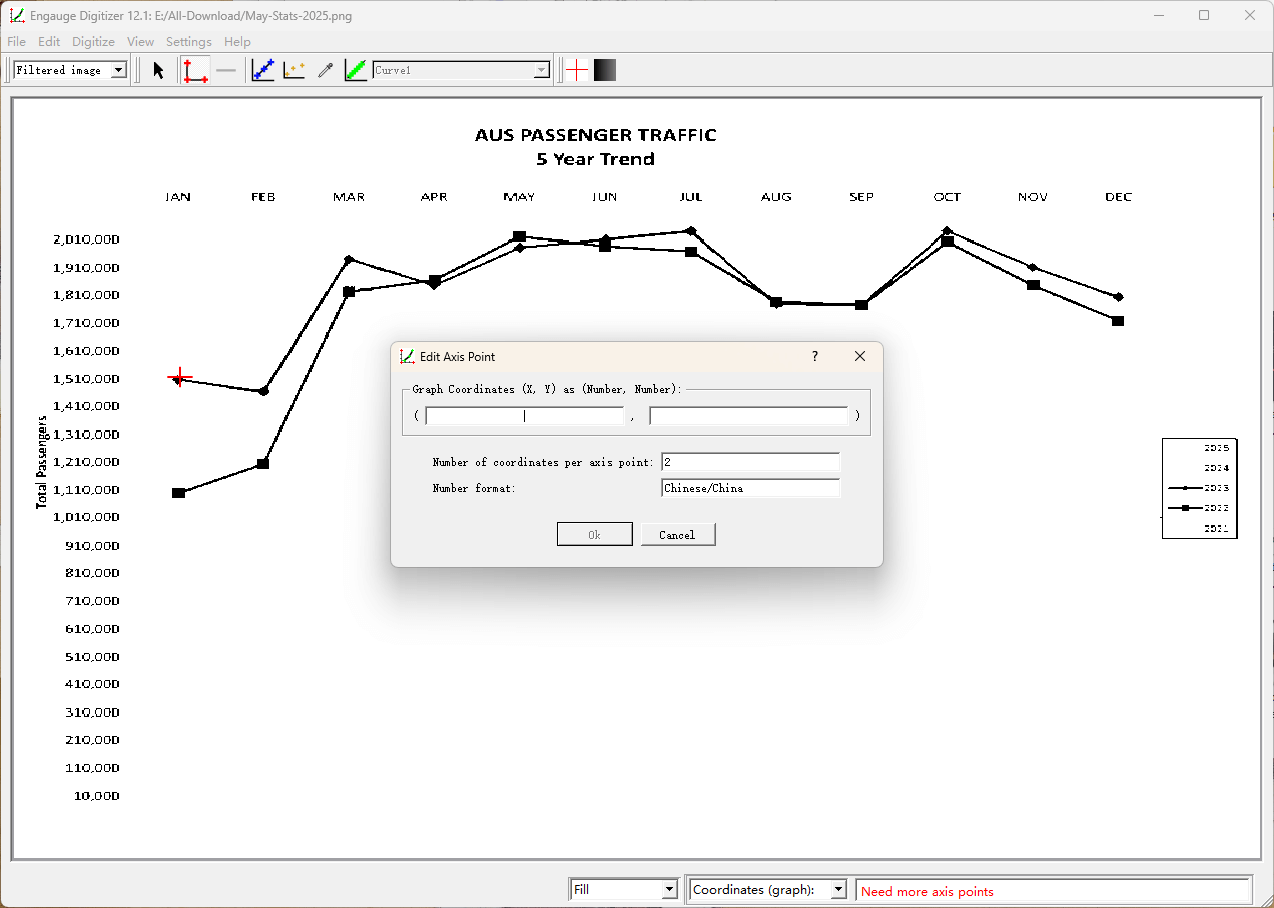
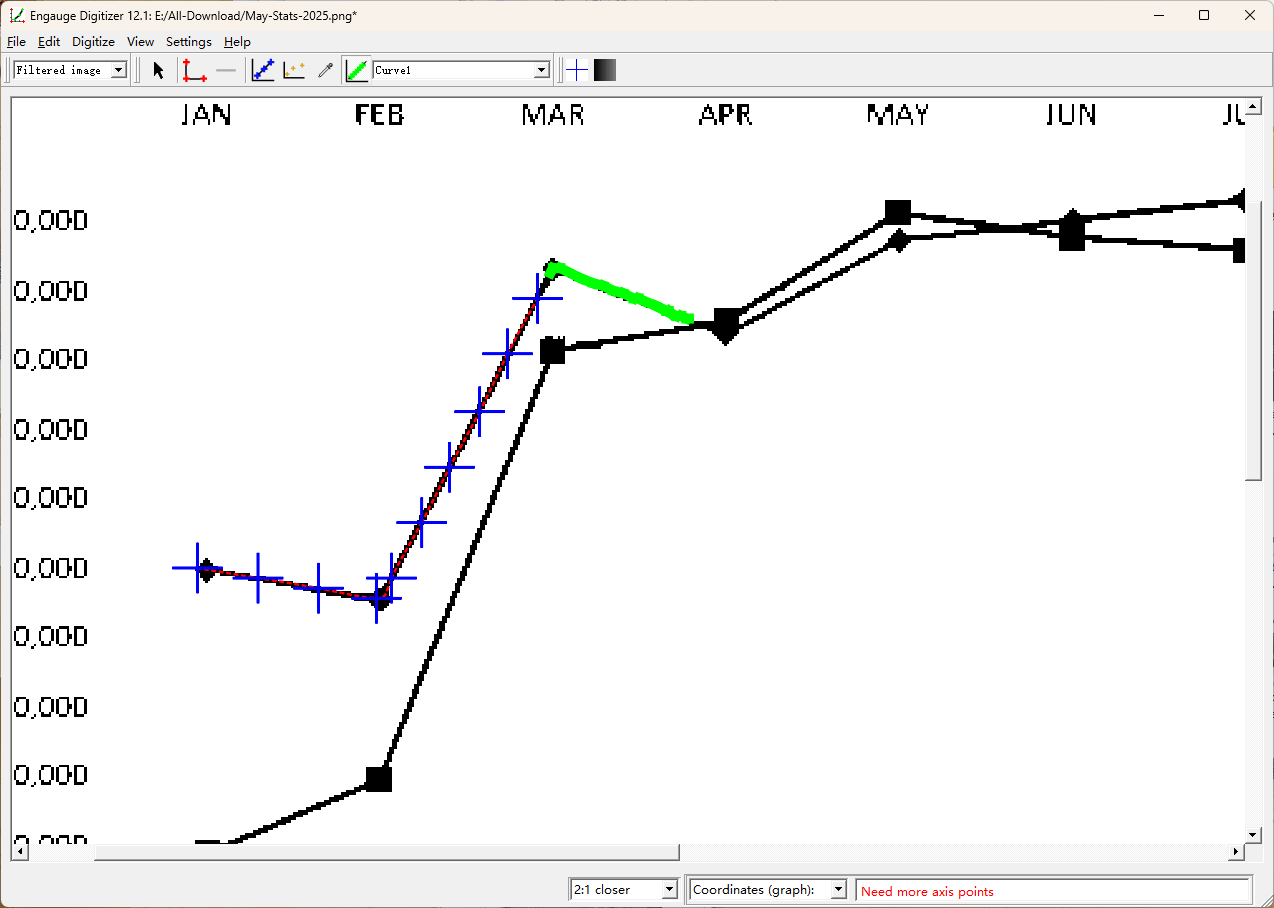
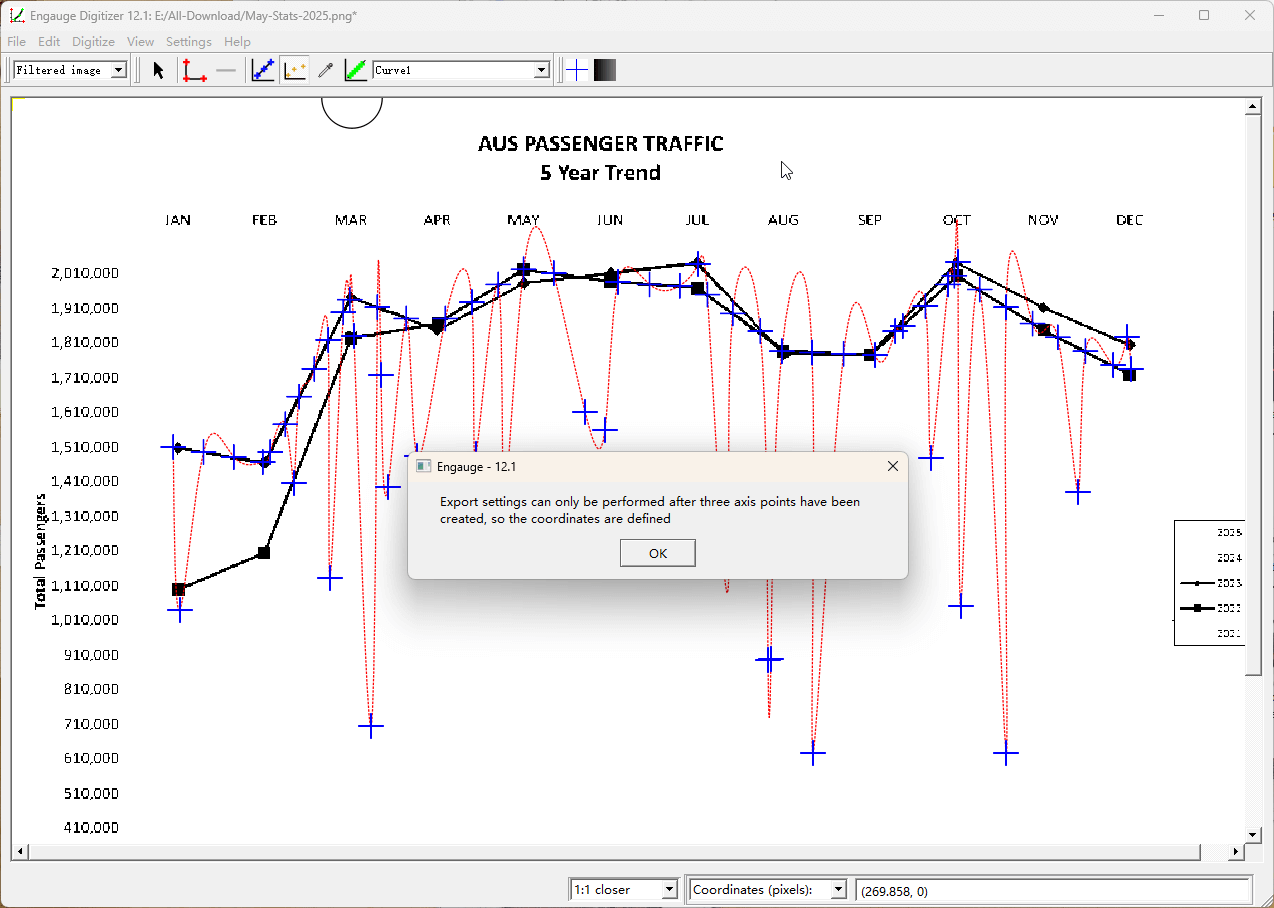
A clean, intuitive interface designed for scientific precision. No clutter, just the tools you need to recover your data.
Safety & Licensing Information
Transparency is our priority. Here is everything you need to know about using Engauge Digitizer in professional and academic environments.
Is this software safe to install?
Yes, absolutely. Engauge Digitizer is open-source software. The binaries provided here are built directly from the official source code. The software contains no adware, no spyware, no tracking scripts, and no bundled installers. It runs locally on your machine and does not upload your data to any cloud server.
Can I use it for commercial projects?
Yes. The software is released under the GPL (GNU General Public License). This means you are free to use it for:
• Academic Research & Thesis
• Commercial Engineering Projects
• Private Data Analysis
You do not need to pay a license fee or ask for permission.
Where is the source code?
We believe in full transparency. The complete source code (written in C++ with Qt) is hosted publicly on GitHub. Developers can audit the code, fork the repository, or contribute new features.
View Official GitHub Repository →